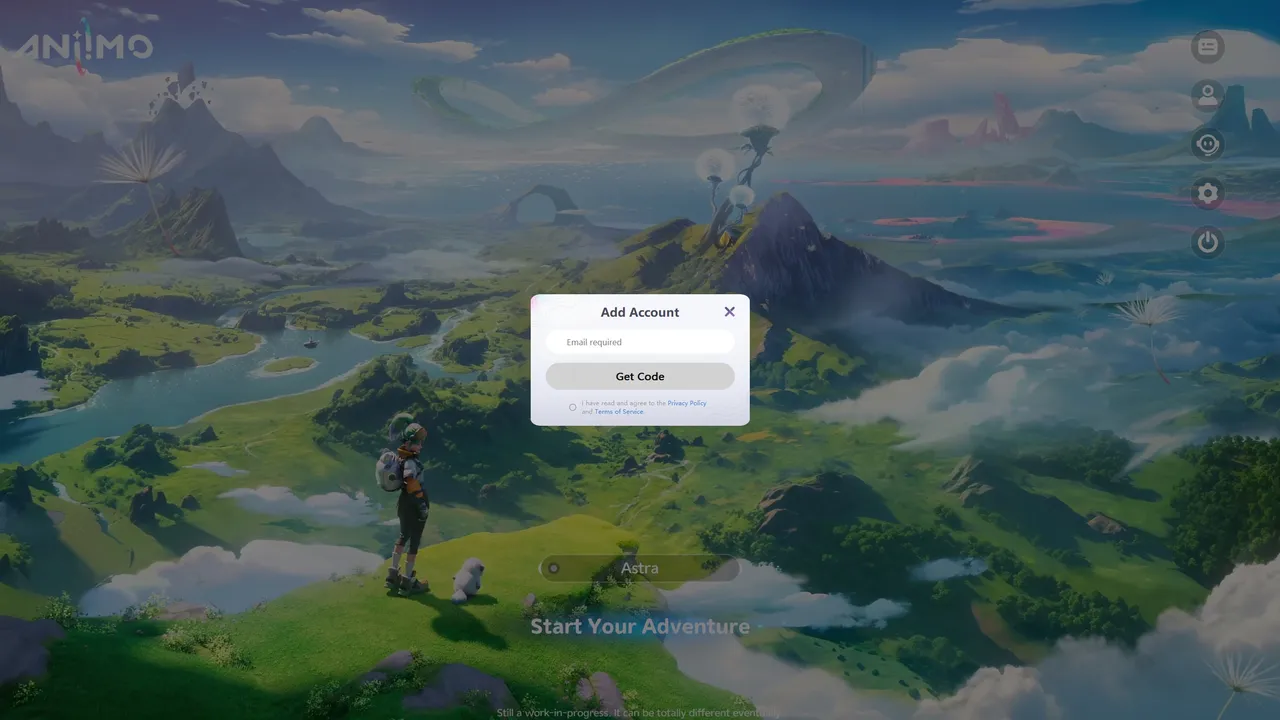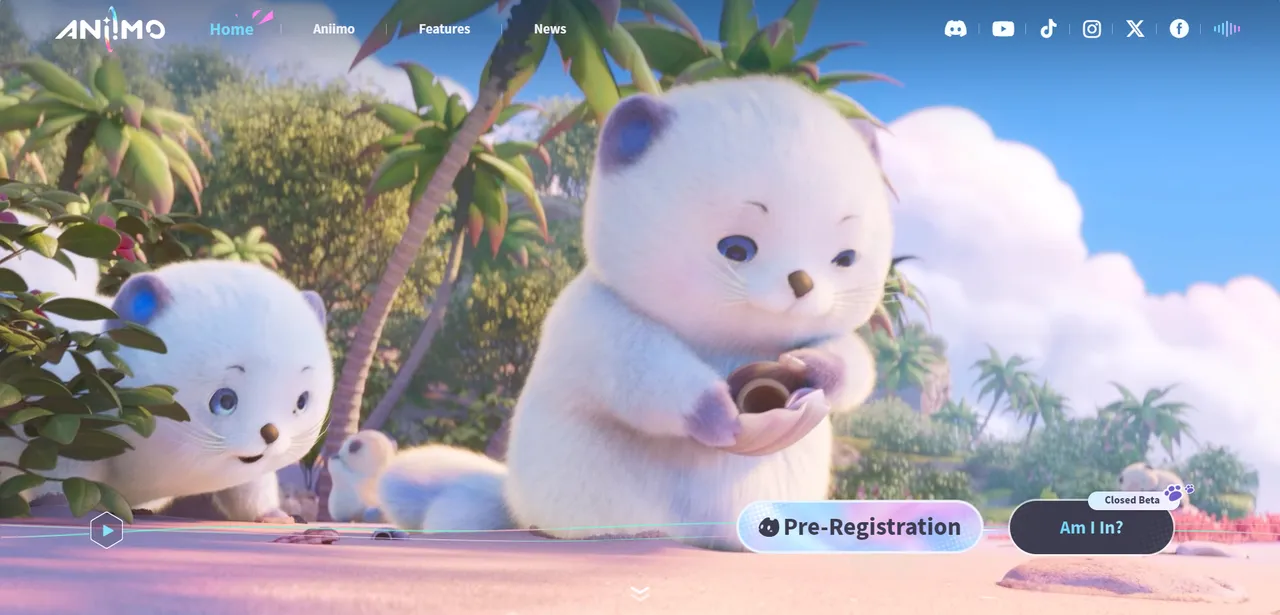
With the Closed Beta drawing near, Aniimo has published a setup guide to get accepted testers ready before the doors open. The first step is confirmation: anyone hoping to join should use the Verify Beta Status button on the official website, signing in with the same email address they entered on the recruitment questionnaire. Those who made the cut also receive a welcome email. Its subject line reads “You are in 🌟! Welcome to the Aniimo Closed Beta 🎮”. If you are still working out where the recruitment questionnaire and verification steps live, our step-by-step guide to getting into the Aniimo beta covers the full sign-up path.
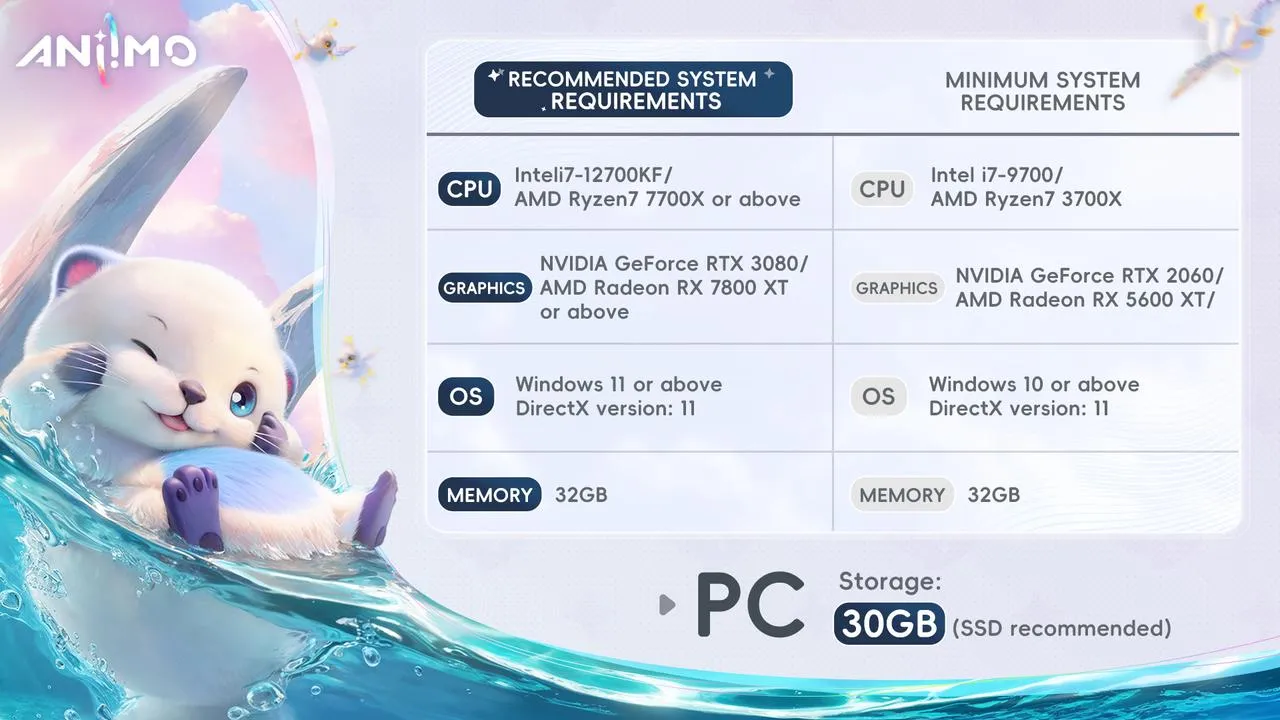
Logistics are spelled out plainly. The test runs on PC only and is restricted to players 18 and older. Pre-download opens July 1, 2025 at 10:00 (UTC-4), and the play window stretches from July 4 at 10:00 through July 10 at 23:59 (UTC-4). Logging in requires an email verification code, and your account links to a device on first successful sign-in.
A few caveats: servers are US-based, so players elsewhere may notice lag; controller support isn’t fully optimized; and this is a data-wipe build, meaning progress won’t carry over apart from select special events. The studio also welcomes testers sharing clips, provided they tag the official channels.
Editor’s note: because this is a data-wipe build with a tight July 4 to July 10 window, the practical takeaway for accepted testers is to treat it as a chance to experiment freely rather than grind, since nothing outside the noted special events will carry over.
Source: Official Aniimo news